Disabled TextBoxes
Sometimes the web pages may have the Textbox Fields which are disabled by default, which means that It won’t accept any keyboard interaction.

How to handle disabled Text Box Element using Selenium WebDiver?
- Element may allow typing values after clicking that element .So We can use first element.click() method and then use element.sendKeys().
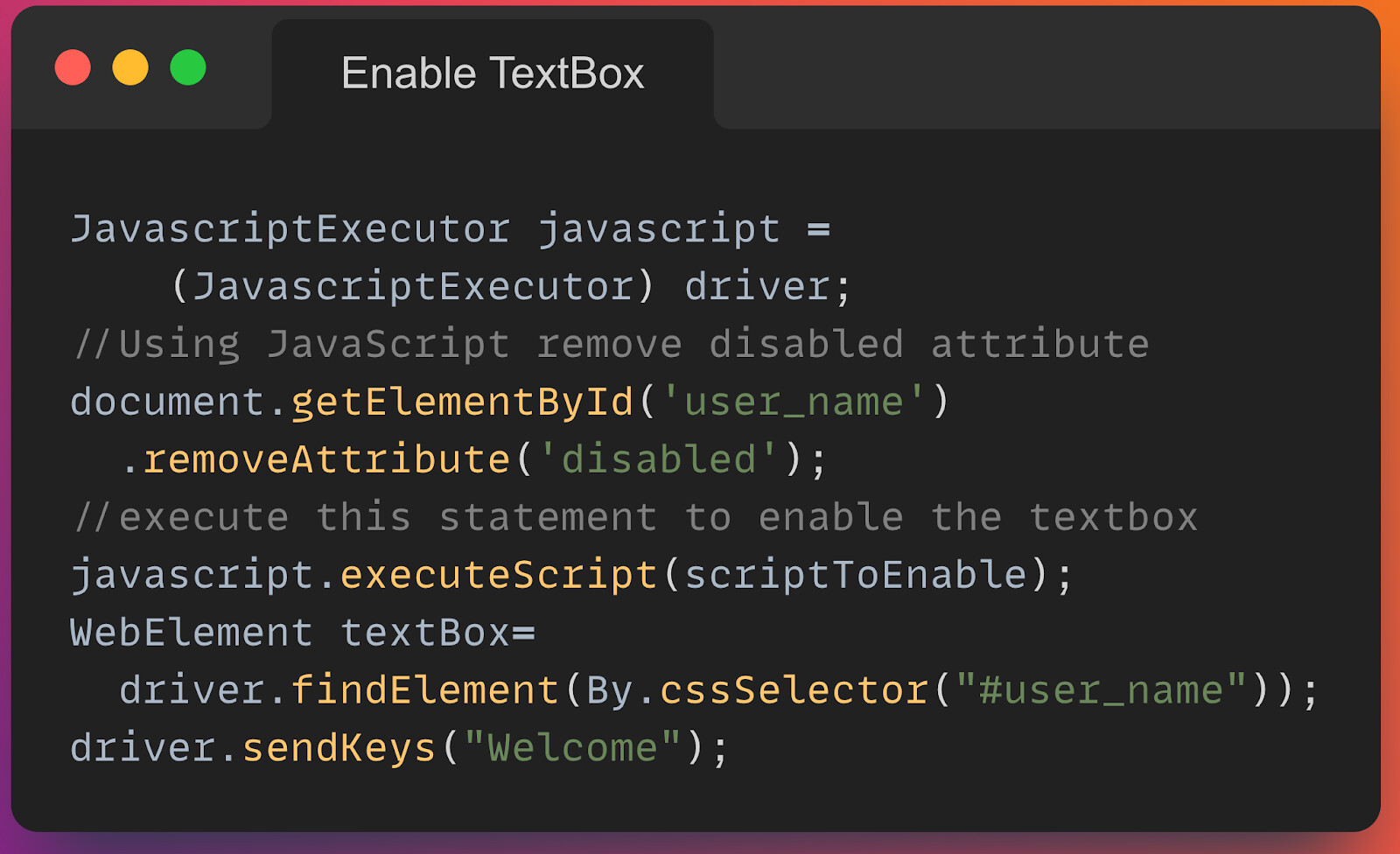
- Enable that TextBox using Javascript and then use sendKeys().
When we try to interact with that element using Selenium WebDriver, then it throws
org.openqa.selenium.ElementNotInteractableException: element not interactable
Here is the JavaScript code to enable the element. Once it’s enabled, using sendKeys () we can type values in that selected textbox.